
MIDI Karaoke
Offline karaoke for your TV — no internet needed.
Android TV & Google TV · Android 6.0+Install on your TV
Android TV and Google TV don’t have a built-in browser, so the easiest way is the free Downloader app.
Install “Downloader”
On your TV, open the app store (Google Play / Amazon Appstore) and install the free app called Downloader by AFTVnews.
Enter this address
Open Downloader and type the short link below into its URL box, then press Go.
Install & add your songs
Choose Install when prompted (allow “unknown apps” if your TV asks), open MIDI Karaoke, then import your songs from a USB drive — or from a link on the phone remote.
On a device with a browser (phone, tablet, or a TV browser like TV Bro), just tap the Download button above.
What it does
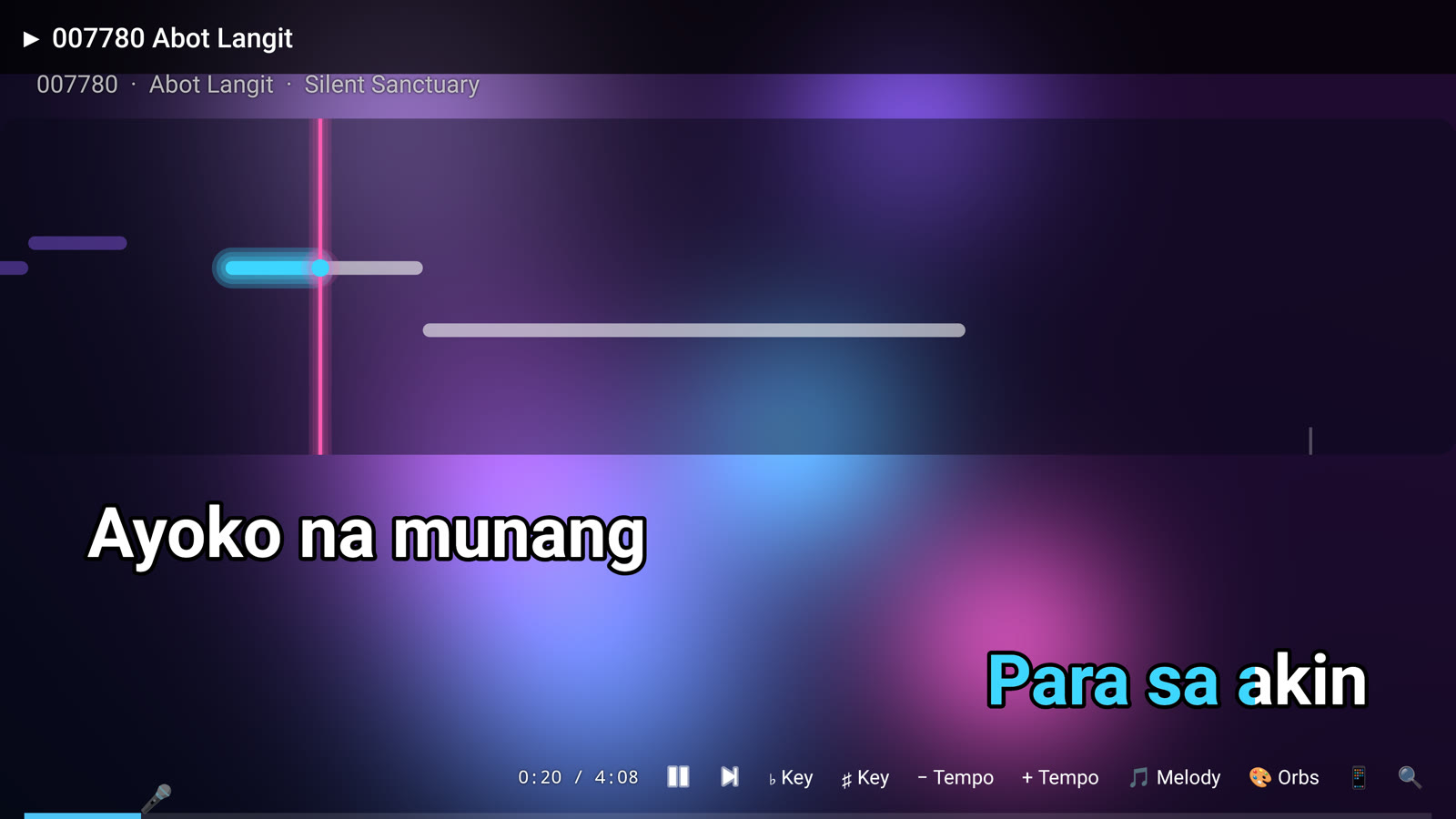
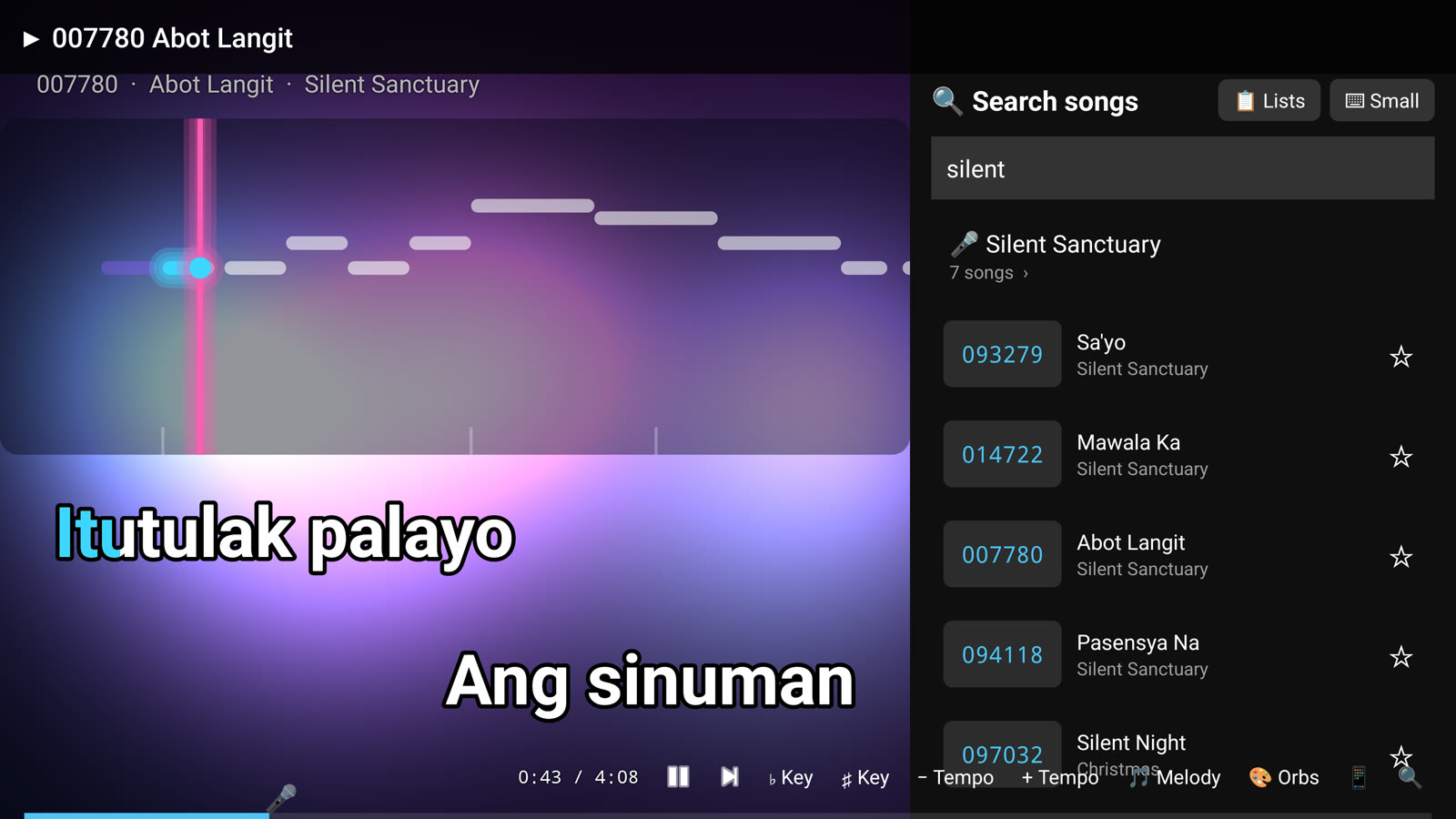
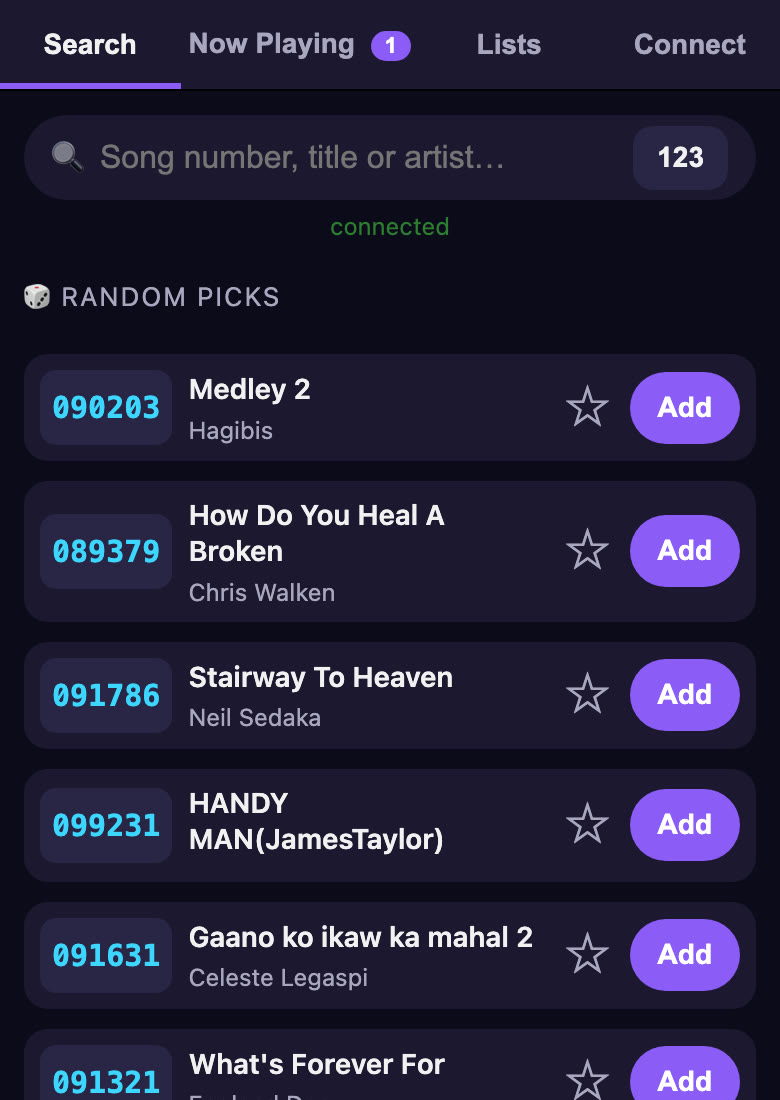
Take a look
About songs
MIDI Karaoke doesn’t come with songs. Use MIDI/KAR files you own or have the rights
to use — your own collection, purchased packs, or public-domain songs. Files named like 007780 - Title - Artist.mid keep their song-book numbers.